-remove-bg-io.webp)
.webp)
On this page
Two Core Components
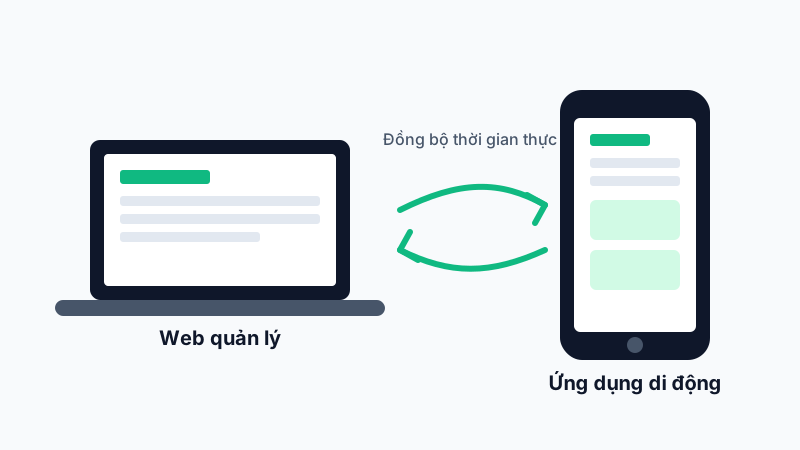
AkiHub consists of two coordinated apps:
- Web Dashboard (akihub-manager): for business owners, HR, and branch managers. Used to configure the organization, approve leave, run payroll, and manage recruitment, training, projects, and customers.
- Mobile App (akihub-app): for employees to check in daily, view timesheets, request leave, and see pay slips. Managers/branch owners also use the mobile app for quick timesheet and leave approvals while on the move.
Real-Time Data Sync
Every check-in action on the mobile app syncs instantly to the web dashboard — HR can monitor attendance status across all branches in real time without refreshing the page.
Role-Based Access
Each account is assigned one or more roles (employee, branch manager, HR, business owner...) that determine which screens and features are visible. For example, employees usually only see "My Work", while managers also see "Work Oversight" and "Payroll".
Tip: If you don't see a certain menu item, your account likely hasn't been granted that permission — contact your company administrator to request access under Members & Permissions.