-remove-bg-io.webp)
.webp)
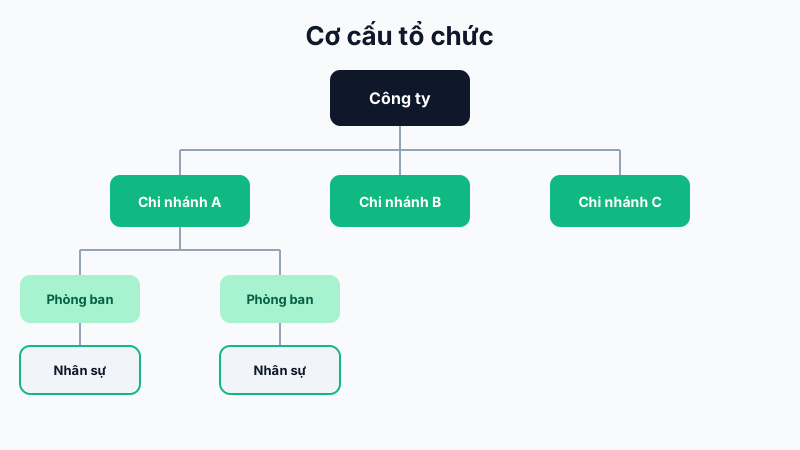
Recommended Setup Order
- Company: declare legal information, logo, and contact details under Organization → Company.
- Branches: add each branch with its address, GPS coordinates, and its own geofence radius.
- Departments: create departments (Sales, Engineering, HR, etc.) and assign them to specific branches or share them company-wide.
- Job Titles: declare job titles (Employee, Team Lead, Department Head, etc.) used to define approval hierarchy and allowances.
Why Setup Order Matters
When adding a new employee, the system requires assigning them to a specific branch, department, and job title — if these upper levels haven't been declared yet, you won't be able to complete the employee's profile.
Editing After Data Exists
You can still rename or add new branches/departments/job titles at any time; existing employees won't be affected unless you actively move them to a new unit.
Tip: Name branches after recognizable locations (e.g. "District 1 Branch") instead of codes, so employees can easily pick the right branch when needed.