-remove-bg-io.webp)
.webp)
Creating a New Project
Go to Projects → Add Project, enter the project name, description, expected start/end dates, and select the related customer (if it's a project for an external client).
Adding Members
In the project detail's Members tab, add participating employees and assign their project role (project manager, contributor, etc.).
Managing Tasks and Priority
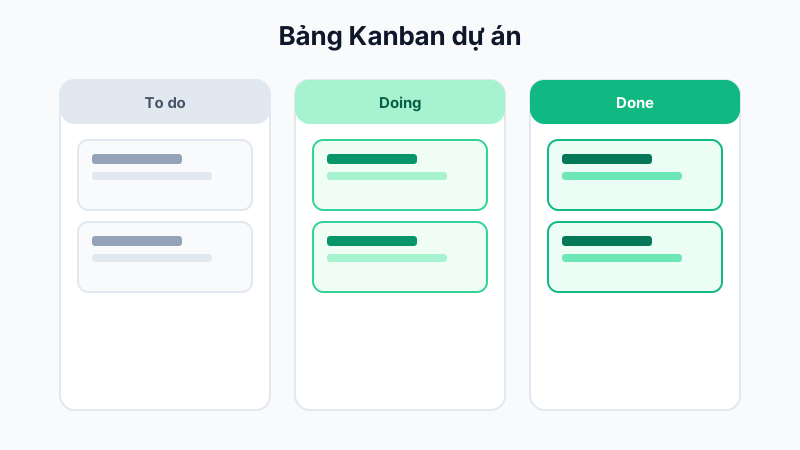
Create specific tasks within the project, assign an owner, a deadline, and a priority level (Low/Medium/High/Urgent). Tasks are shown on a Kanban board by status: To Do → In Progress → Pending Review → Done.
Tracking Progress
The project overview screen shows task completion rates, letting the project manager gauge overall progress without asking each member individually.
Tip: Use the "Urgent" priority sparingly so it keeps its warning value when members look at the task board.