-remove-bg-io.webp)
.webp)
Two Types of Leave Requests in the App
The mobile app supports two separate types of leave requests, accessible from the Work tab:
- Leave: for day-based time off, deducted from your annual leave balance, requiring advance registration and 2-level approval.
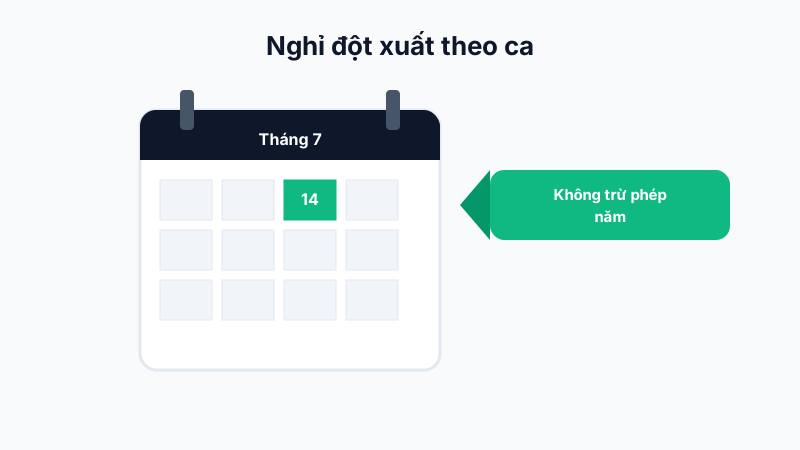
- Shift-Based Time-Off: for urgent situations affecting only one specific shift, not deducted from annual leave.
Tracking Request Status
Both types have their own list screen showing real-time approval status, with push notifications as soon as an approver updates it.
Choosing the Right Type
Choosing the correct type matters: mistakenly registering "Leave" for a single-shift emergency will deduct your annual leave unnecessarily, while overusing "Shift-Based Time-Off" for plans you already knew about in advance may violate company policy.
Tip: If you know in advance you'll be away (planned travel, family matters), always use "Leave" instead of "Shift-Based Time-Off".