-remove-bg-io.webp)
.webp)
On this page
Where Tickets Come From
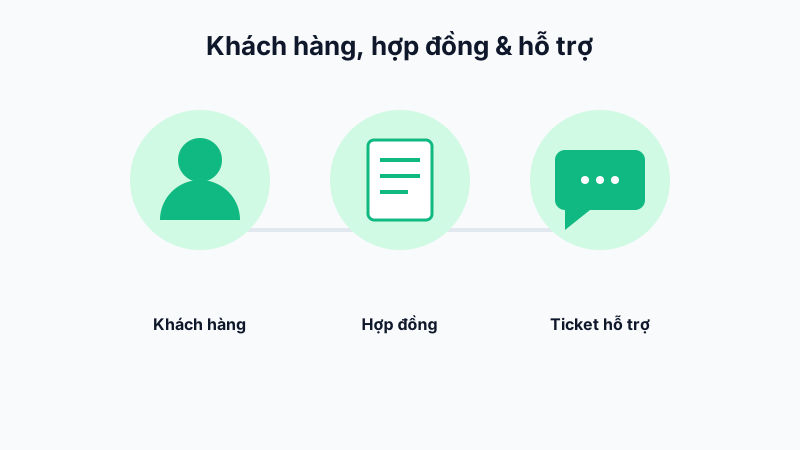
Customers submit support requests through the customer portal (a dedicated portal for your customers), and the ticket appears in the Customer Support list on the web dashboard.
Assigning Tickets
Each ticket can be assigned to a specific staff member, with a priority level (Low/Normal/Urgent) based on the nature of the customer's issue.
Communicating and Updating Status
The assigned staff member communicates directly with the customer through the ticket's chat panel, attaching documents/images as needed, and updates the status: New → In Progress → Awaiting Customer Reply → Resolved.
Measuring Support Quality
The system records the first response time and average resolution time per staff member/department, used as a basis for evaluating customer service quality.
Tip: Set up quick-reply templates for frequently asked questions to shorten ticket response times.