-remove-bg-io.webp)
.webp)
On this page
Pipeline Stages
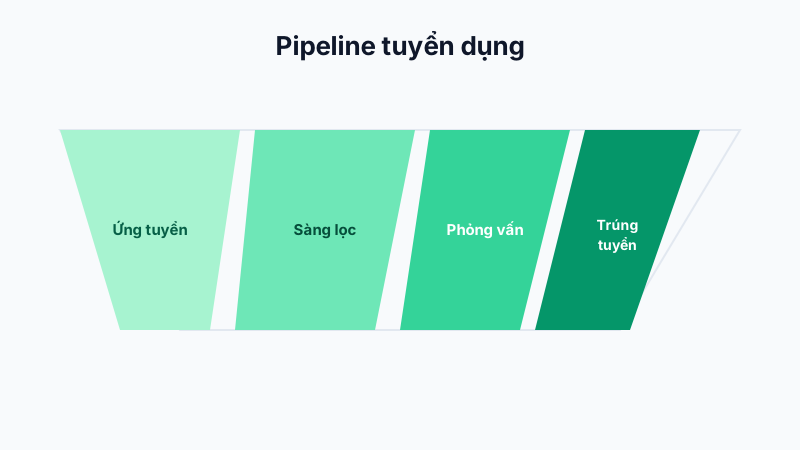
Each recruitment drive has a Kanban-style pipeline board with typical stage columns: New Application → Screening → Interview Round 1 → Interview Round 2 → Offer → Hired / Rejected.
Moving Candidates Between Stages
Drag and drop a candidate's card from one column to another as their interview progress changes. Each time you move a stage, you can add the interviewer's assessment notes for other recruitment team members to see.
Converting a Hired Candidate to an Employee
When a candidate reaches the "Hired" stage, HR can tap Convert to Employee so the system automatically creates a new staff profile, pre-filled with contact information from the candidate's application, saving time on re-entering data.
Note: Rejected candidate profiles remain stored in the system for reference in future recruitment drives — they are not automatically deleted.