-remove-bg-io.webp)
.webp)
On this page
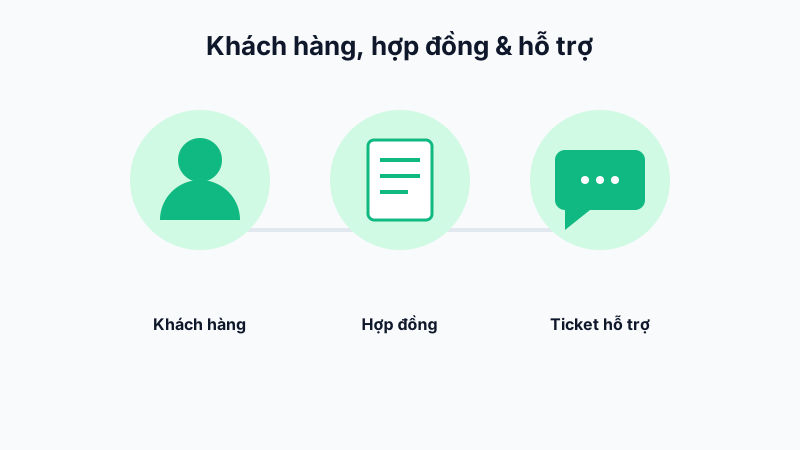
Creating a Customer Profile
Go to Projects & CRM → Customers → Add Customer, enter the customer company's information, main contact person, phone number, and address.
Attaching a Contract
From the customer profile, add a new service contract with its value, validity period, and key terms. Each customer can have multiple contracts across different phases of the partnership.
Configuring Services and Tax
Within each contract, declare the specific services provided along with the applicable tax rate (e.g. 8%/10% VAT) so the system automatically calculates the correct amount when issuing invoices or revenue reports.
Linking to Projects
When creating a project for a customer, select the corresponding customer so that all costs and project progress are tied to that customer profile, making it easy to look up partnership history.
Note: Regularly update contract status (Active/Expired) to avoid missing contracts that need renewal.