-remove-bg-io.webp)
.webp)
On this page
Key Widgets
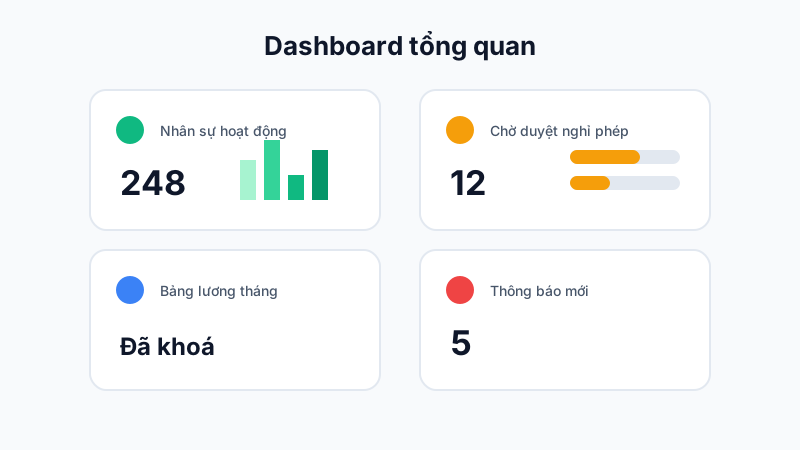
Right after logging in, the Dashboard shows an overview of the most important metrics:
- Total active headcount, and how many have checked in today per branch.
- Number of leave/time-off requests pending approval.
- Current month's payroll status (calculating, locked, sent).
- System notifications and the latest news.
Customized by Role
Dashboard content differs by login role: business owners see a company-wide overview, while branch managers only see data for the branch they oversee.
Quick Access
From the Dashboard, you can click directly on a metric to jump straight to the corresponding detail screen — for example, clicking the pending leave requests count opens the list of requests to handle immediately.