-remove-bg-io.webp)
.webp)
On this page
Viewing Team Payroll
Go to Manager → Team Payroll to see an overview of payroll costs for all employees in the branch/team you manage, for each pay period.
Confirming Payroll
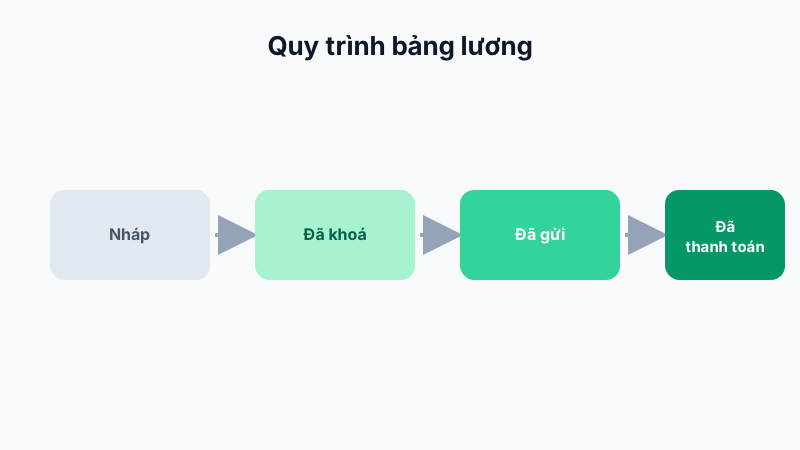
After HR has calculated and locked payroll, the branch manager can review it and tap Confirm to agree with the figures before salaries are officially paid, serving as a cross-check step.
Marking as Paid
After completing a bank transfer or cash payment to employees, the manager can mark the Paid status for each employee or the whole team, helping HR track payment progress across the system.
Note: Branch managers usually only see aggregate figures (total team payroll cost), not necessarily the breakdown of each individual's pay unless granted additional permissions.