-remove-bg-io.webp)
.webp)
On this page
Creating a Leave Request
- Open the mobile app and go to Work → Leave.
- Tap New Request, select the leave type (annual leave, unpaid leave, etc.), and the start and end dates.
- Enter your reason for leave and attach supporting images if needed (e.g. a medical certificate).
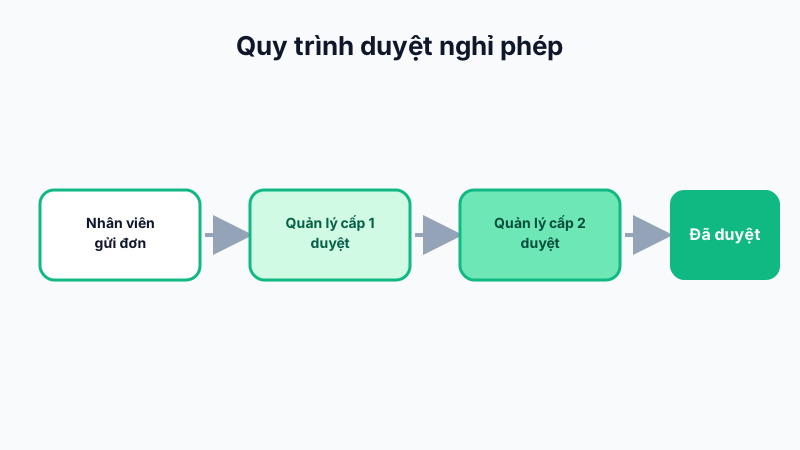
- Tap Submit — the request is routed to the level-1 approver based on the org structure.
Tracking Status
In the Leave list, each request shows its status: awaiting level-1 approval, awaiting level-2 approval, approved, or rejected. Tap a request to see the full approval history and comments (if any) from approvers.
Remaining Leave Days
Right on the list screen, the system shows your remaining annual leave balance, automatically updated as soon as a request is approved or canceled.
Note: If a request is rejected at any approval level, your leave balance is not deducted, and you can submit a new request after making adjustments.