-remove-bg-io.webp)
.webp)
On this page
Uploading a Logo and Choosing a Brand Color
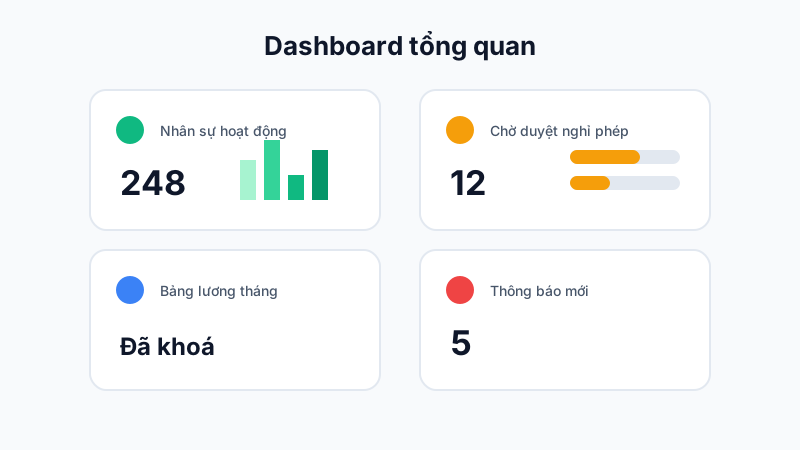
Go to Settings → Branding, upload your company logo (PNG with a transparent background is recommended), and choose a primary color — this color will be applied to your company's web dashboard and mobile app interface.
Customizing Email Templates
In Settings → Email Templates, edit the content of automated system emails (new employee welcome email, pay slip notification, password reset email, etc.) to match your company's tone and branding.
Configuring Custom SMTP
If you want system emails to be sent from your own company domain instead of AkiHub's default address, go to Settings → Custom SMTP and enter your company's SMTP server details (host, port, username, password).
Note: After configuring custom SMTP, send a test email to confirm the setup is correct before it applies to all system emails.