-remove-bg-io.webp)
.webp)
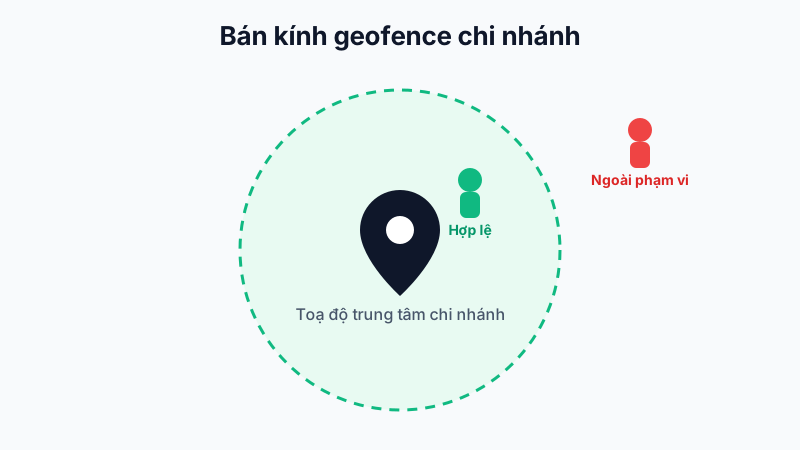
What Is a Geofence?
Every branch in the system is assigned a center coordinate (longitude, latitude) and an allowed radius, e.g. 100 meters. When an employee checks in/out on the mobile app, the system calculates the distance between the device's actual GPS location and the branch's center coordinate.
Verification Result
- If the distance is less than or equal to the allowed radius: the check-in is recorded as valid.
- If it exceeds the radius: the system rejects it with an error message and does not create an attendance record.
Configuring the Radius (for Managers)
On the web dashboard, go to Organization → Branches, select the branch to edit, and update the geofence radius value to match the actual size of the work location.
Tip: For small offices, set a radius of 50–100m; for large factories or warehouses, increase it to 200–500m to avoid employees being rejected when standing at a far corner of the premises.