-remove-bg-io.webp)
.webp)
On this page
Accessing the Manager Section
For accounts with a manager role, the mobile app shows an extra Manager tab in addition to the regular employee tabs.
Approving Timesheets
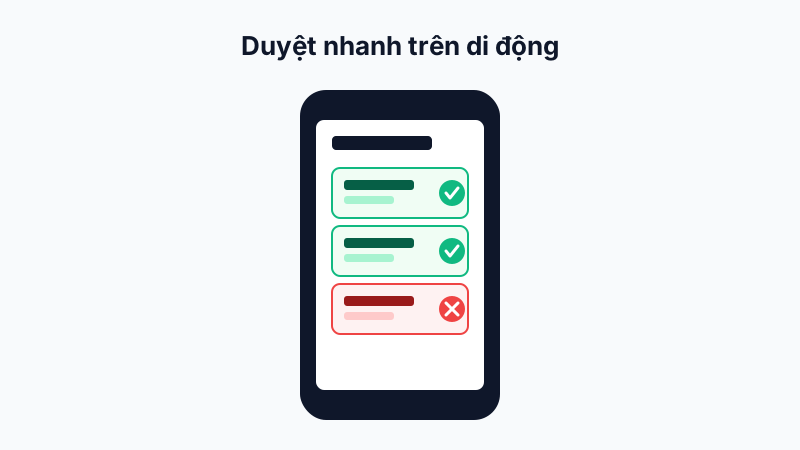
Go to Manager → Approve Timesheets to see the list of attendance records needing confirmation (e.g. an out-of-radius check-in that was logged and requires manual manager verification), then tap Approve or Reject directly.
Approving Leave and Time-Off Requests
Similarly, go to Manager → Approve Leave to process requests waiting at your approval level, and use Time-Off Statistics to track how often your team uses it.
Benefits of Approving on Mobile
Managers don't need a computer to handle urgent requests — every approve/reject action on mobile syncs instantly with the web dashboard, avoiding duplicate handling.
Tip: Enable push notifications on the mobile app so you never miss an urgent approval when you're away from your computer.