-remove-bg-io.webp)
.webp)
On this page
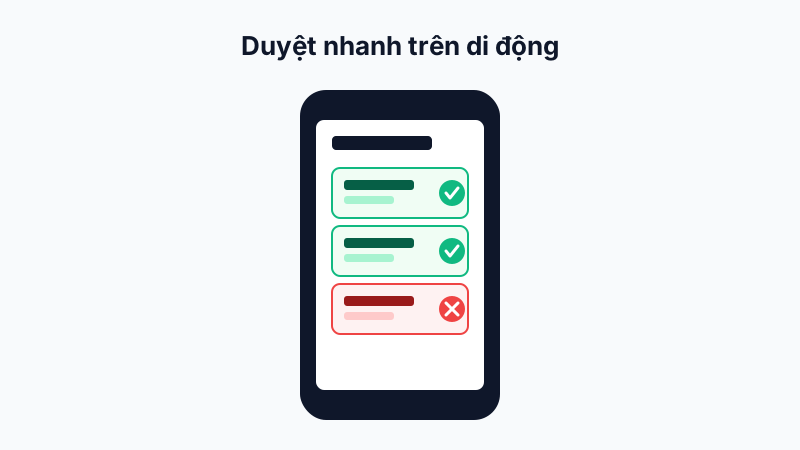
Quick Shift Assignment
Go to Manager → Assign Shifts, select the employee and date, and assign a shift from the pre-configured list — useful for urgent shift changes for an employee right at the branch.
Manual Attendance Adjustment
When you notice an employee forgot to clock in/out or the data is incorrect, go to Manager → Adjust Attendance, select the employee and date, and re-enter the correct clock-in/out times along with a reason for the adjustment.
When Should You Use This on Mobile?
This is especially useful for branch managers who frequently move between stores/sites, without access to a computer but still needing to resolve attendance issues on the spot.
Note: Every attendance adjustment on mobile is logged in full, just like on the web dashboard, ensuring transparency when reconciling data.