-remove-bg-io.webp)
.webp)
On this page
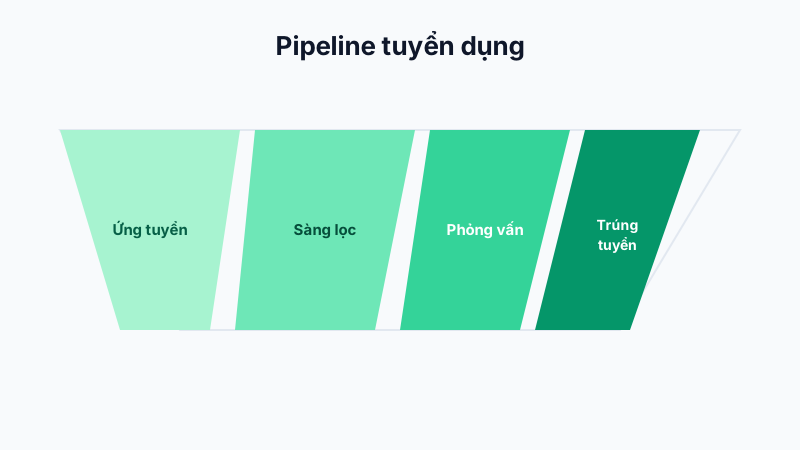
Step 1: Create the Job Position
Go to Recruitment → Job Positions → Add New and enter the position title, job description, candidate requirements, expected salary, and the branch/department hiring for it.
Step 2: Open a Recruitment Drive
From the created position, tap Open Recruitment Drive, set the number of hires needed, the application deadline, and the posting channels (company website, social media, etc.).
Step 3: Track Applicants
Candidates who apply appear in the corresponding recruitment drive's list, along with their contact information and attached resume for HR to review.
Tip: Set a clear application deadline and check in regularly so you can close the drive in time once you have enough candidates, avoiding unnecessary extra applications.