-remove-bg-io.webp)
.webp)
On this page
The Purpose of Locking Payroll
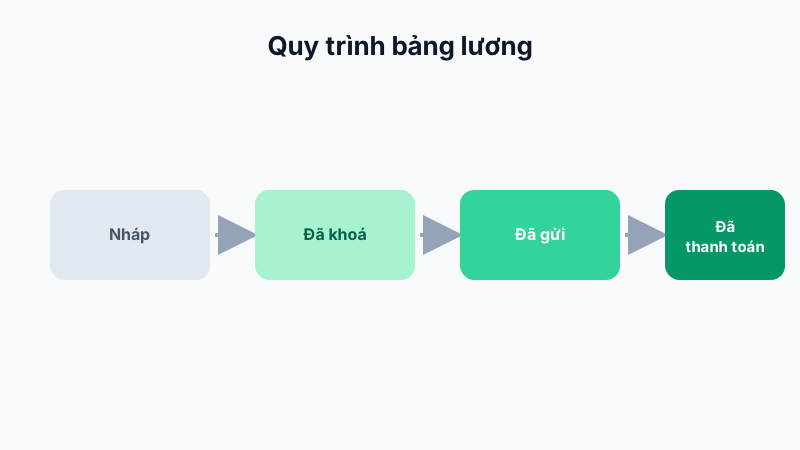
Locking payroll is the final step of finalizing the figures before pay slips are published to employees. After locking, attendance and leave data for that period no longer affect the already-calculated payroll, ensuring consistency and preventing back-and-forth data discrepancies.
What Happens When Payroll Is Locked?
- Payroll status changes from "Draft" to "Locked".
- Pay lines in the locked payroll can no longer be edited directly.
- Any timesheet edits made after the lock will not automatically flow back into that period's payroll.
Who Can Lock Payroll?
Only accounts with the HR or business owner role can perform the payroll lock action, ensuring security for this sensitive financial process.
Tip: Lock payroll only after thoroughly reconciling all attendance and leave data for the period — typically done 1–2 days before month-end payment.