-remove-bg-io.webp)
.webp)
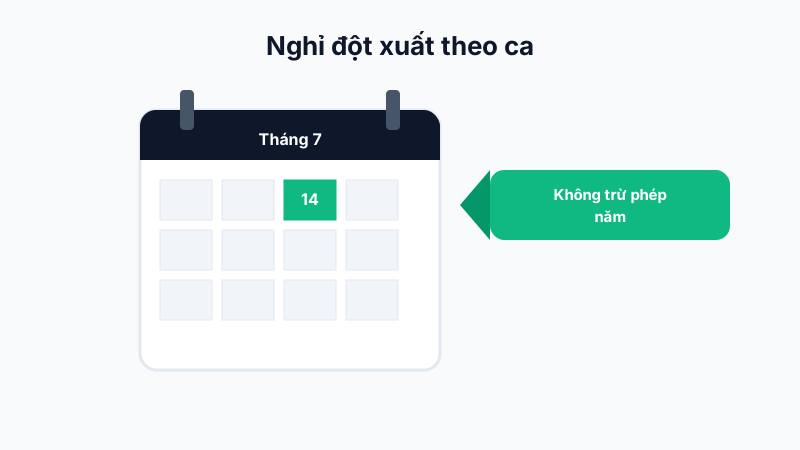
What Is Shift-Based Time-Off?
Unlike regular leave (which deducts from your annual leave balance), shift-based time-off applies to unexpected situations affecting only one specific shift (e.g. suddenly getting sick right before an evening shift). This type of leave does not deduct from the employee's annual leave.
How to Request It on the Mobile App
- Go to Work → Shift-Based Time-Off.
- Select the specific affected shift (the system only shows shifts already assigned to you for the nearest day).
- Enter a reason and submit — this request also goes through your direct manager's approval process.
Usage Limits
Since it doesn't deduct annual leave, this type is usually limited in how many times it can be used per month/quarter under each company's policy, to prevent misuse. Managers can view Time-Off Statistics on the web dashboard to track how often each employee uses it and step in if it exceeds a reasonable threshold.
Note: Shift-based time-off only applies to a previously assigned shift — it can't be used to request leave for a day with no scheduled shift.