-remove-bg-io.webp)
.webp)
On this page
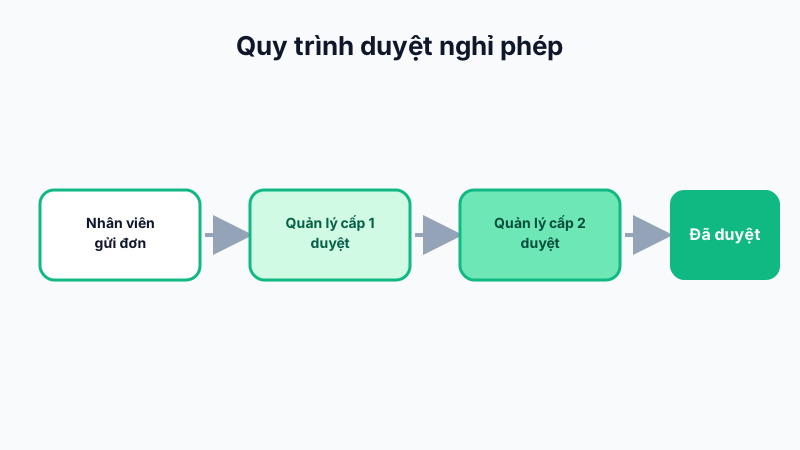
The 2-Level Approval Flow
Every leave request goes through two approval levels by default:
- Level 1: typically the employee's direct manager/team lead, reviewing whether it's reasonable from a work standpoint.
- Level 2: typically HR or the branch manager, giving the final confirmation that affects the leave balance.
A request is only considered "Approved" once both levels agree; if either level rejects it, the request status changes to "Rejected" and processing stops.
Approving Requests on the Web Dashboard
Go to Work Oversight → Approve Leave, where the list shows requests awaiting approval at your level. Tap Approve or Reject, optionally adding a note so the employee understands the reason.
Quick Approval on Mobile
Managers and business owners can also approve requests right on the mobile app under Manager → Approve Leave, convenient while away from the office.
Tip: Configure email/push reminders for approvers if a request has been waiting over 24 hours, to avoid slowing down employees' leave process.